Potential Input Errors
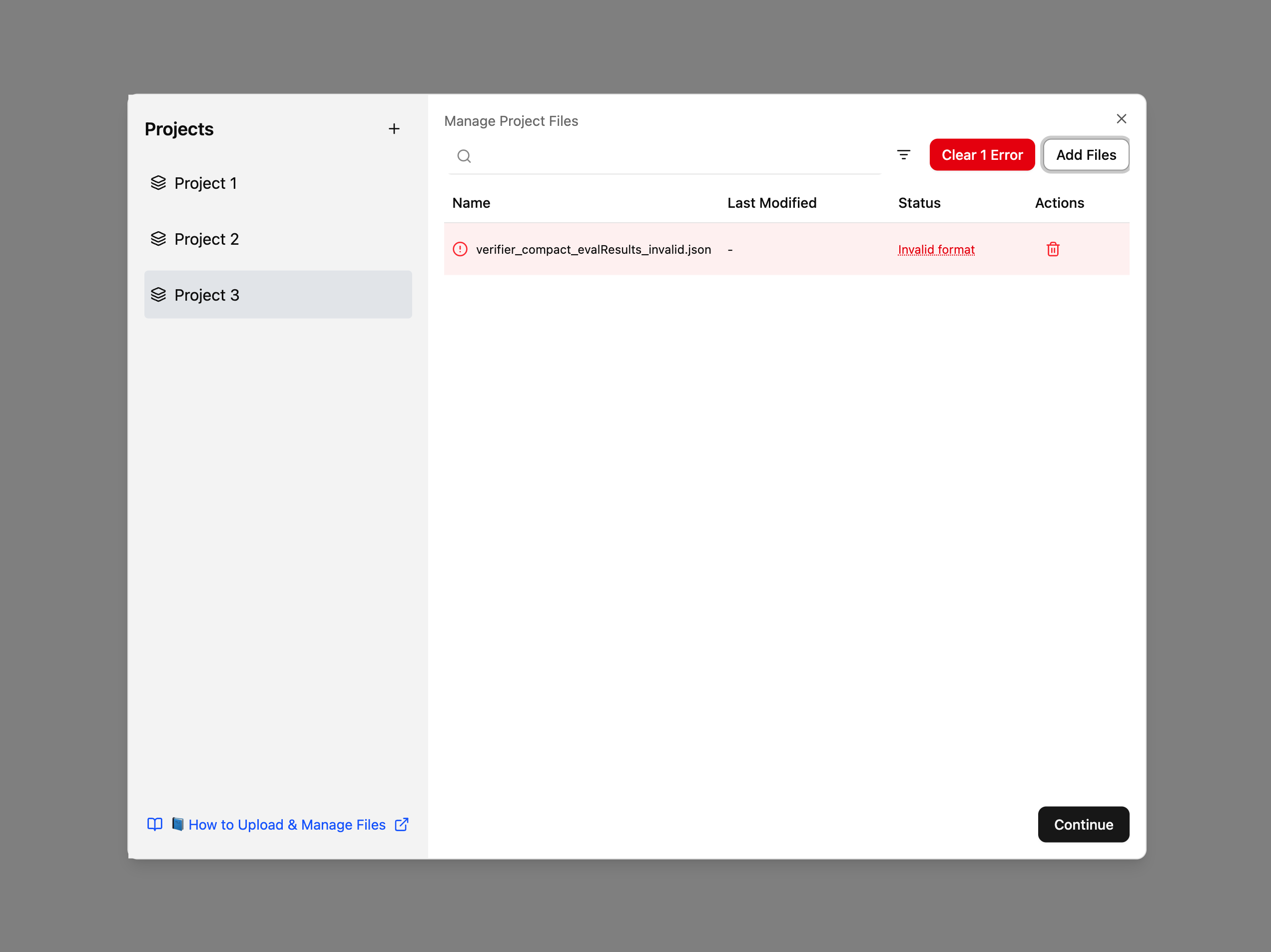
If the input JSON file is invalid, PIQUE Lite will display an error message. Below is an example showing an uploaded file that did not meet the expected PIQUE schema. In the Status column, the file is labeled Invalid format.
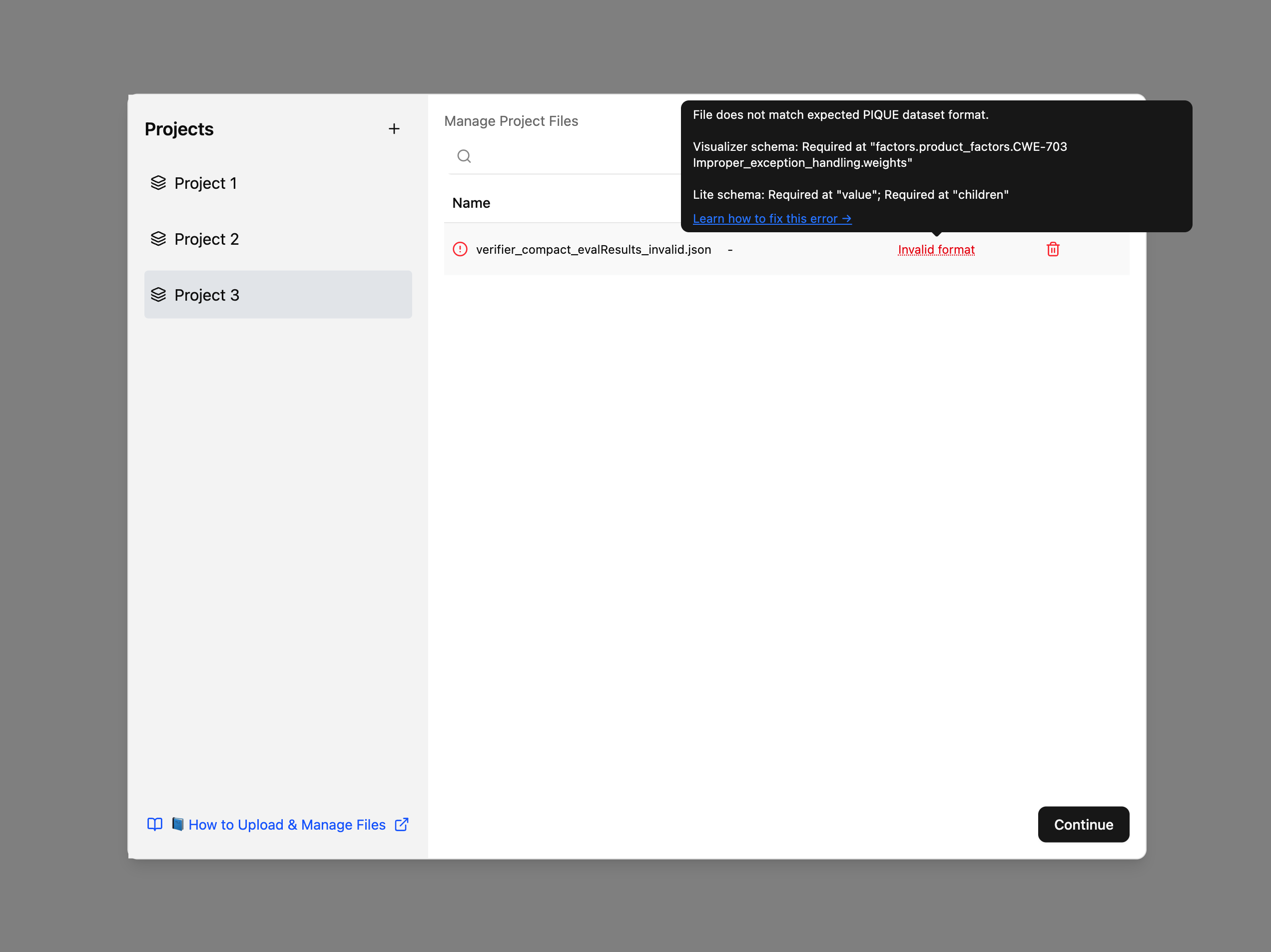
Users can also hover over the Invalid format label to view additional details. A tooltip will appear explaining why the file is invalid—for example, which required fields are missing or which part of the schema was not satisfied. The tooltip also includes a hyperlink that directs users to this documentation page, where they can review common causes of file-format errors and learn how to identify and fix issues in their JSON files.
Common Causes of Errors
- Missing Required Fields: Ensure all required fields (
name,factors,measures,diagnostics) are present - Incorrect Data Types: Verify that each field matches the expected type (e.g.,
nameas a string,factorsas an object) - Invalid JSON Syntax: Check for mismatched brackets, missing commas, or improperly quoted strings
- Referential Integrity Issues: Ensure measures reference valid diagnostics and factors reference valid measures
Troubleshooting Steps
- Validate JSON Syntax: Use a JSON validator (e.g., JSONLint) to check for syntax errors
- Check Field Names: Ensure all field names are spelled correctly and match the expected format
- Review Data Types: Confirm that numeric values are numbers, strings are quoted, and objects are properly structured
- Regenerate File: Regenerate the JSON file if everything else fails