Project Dashboard
The Project Dashboard displays the quality scores for each project.
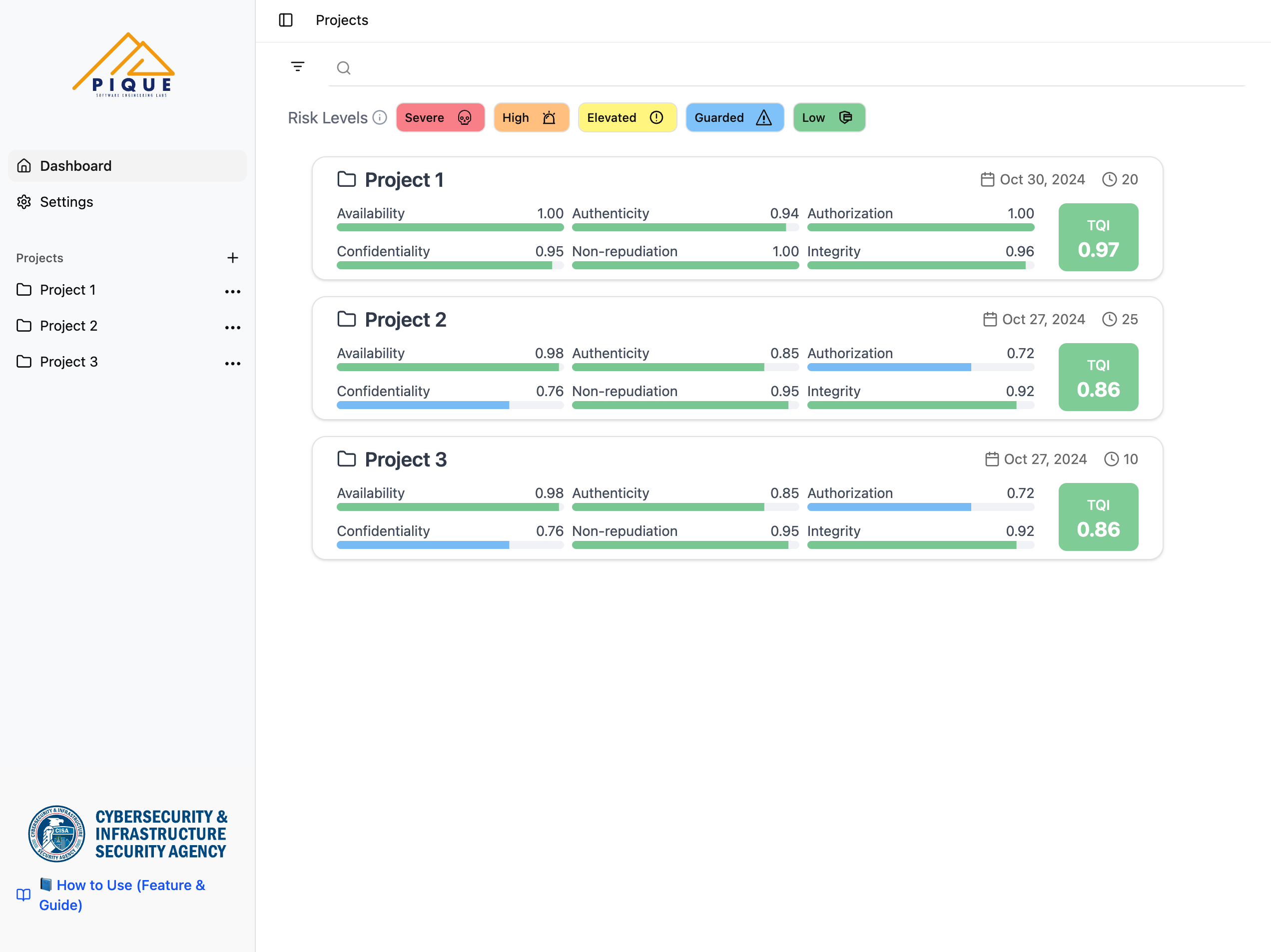
Each project has a Total Quality Index (TQI), along with quality scores for the Quality Aspects defined in the uploaded PIQUE model.
PIQUE Lite does not assume there are exactly six aspects—your PIQUE model may contain any number of Quality Aspects depending on how the model was defined. Below is an example list of common Quality Aspects used in many security-focused models:
| Quality Aspect | Definition | Opposing Threat |
|---|---|---|
| Availability | Ensures the system remains operational and accessible when needed | Denial of service |
| Authenticity | Verifies that data, users, and systems are genuine and not tampered with | Spoofing |
| Authorization | Controls access permissions to ensure only authorized users can perform actions | Escalation of privileges |
| Confidentiality | Protects sensitive data from unauthorized access or disclosure | Information disclosure |
| Non-repudiation | Ensures actions or transactions cannot be denied after execution | Repudiation |
| Integrity | Maintains accuracy and consistency of data over its lifecycle | Tampering |
Your model may include all, some, or additional Quality Aspects beyond those listed above.
Risk Level Indicators and Custermization
Each quality aspect is assigned a risk level based on its score:
- Red: Severe risk
- Orange: High risk
- Yellow: Elevated risk
- Blue: Guarded risk
- Green: Low risk
A legend is provided on the dashboard to help you interpret these color codes. When hovering over a risk-level badge in the legend, PIQUE Lite displays the predefined numerical range associated with that risk level. (Note: the colors of risk levels could be slightly different for various monitors.)

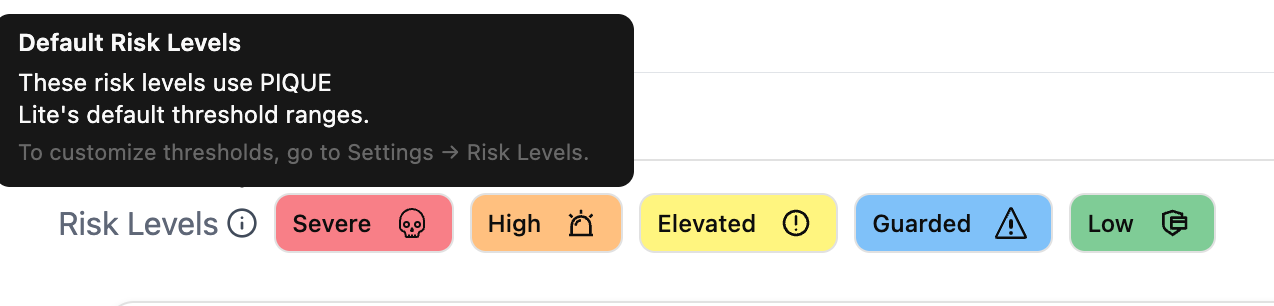
All risk levels shown immediately after uploading a project use PIQUE Lite’s default threshold ranges. If users prefer to customize these thresholds, they can hover over the information icon next to Risk Levels. A tooltip will appear, indicating that the displayed values are defaults and providing guidance on how to adjust them.
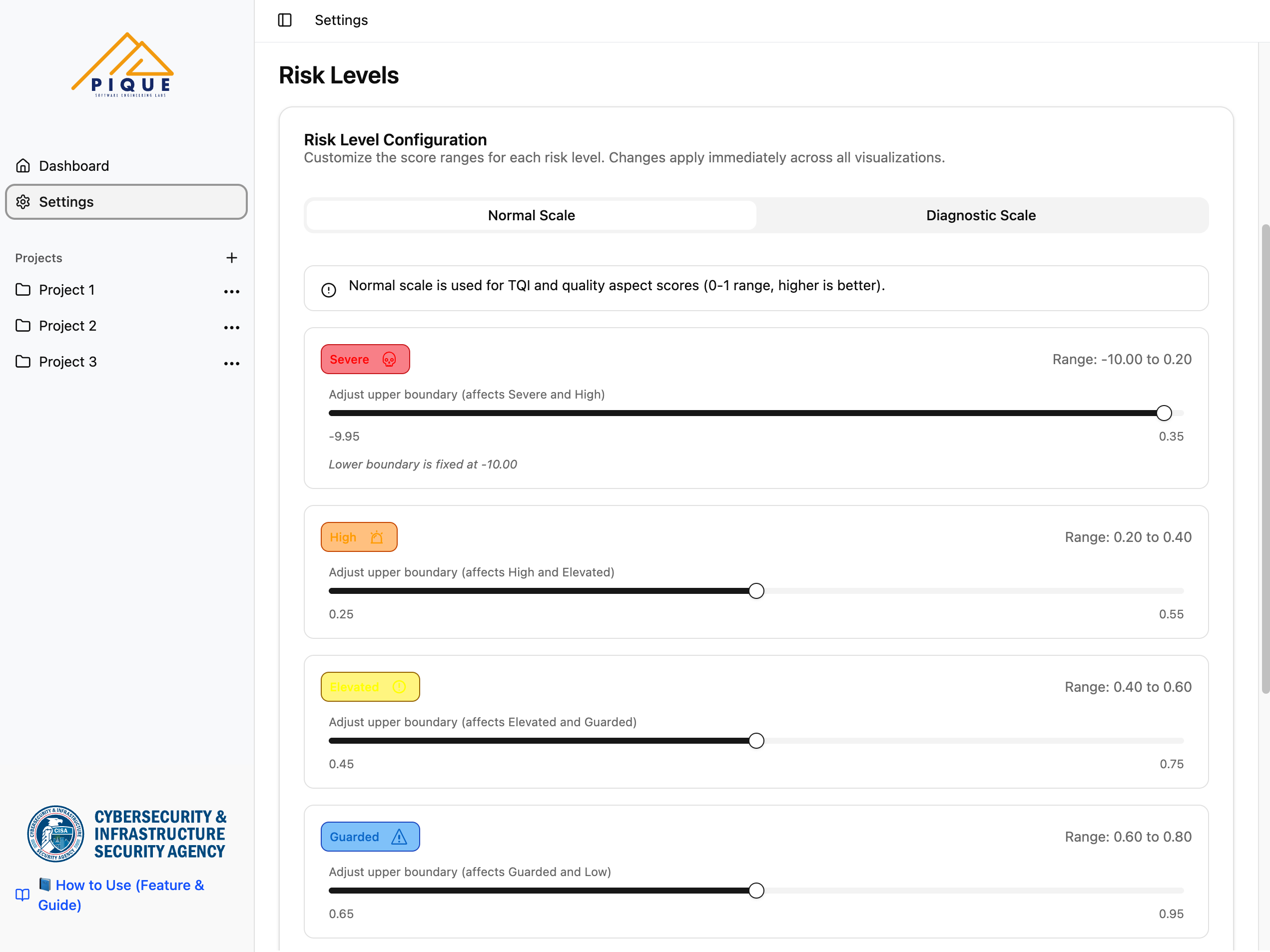
To customize risk-level boundaries, users can navigate to Settings → Risk Levels in the left sidebar. This page allows users to adjust the upper boundary for each risk level or switch between the Normal and Diagnostic scales. Changes apply immediately across all visualizations and affect every project in PIQUE Lite. Users may also reset the thresholds back to the default configuration at any time.
Managing Projects
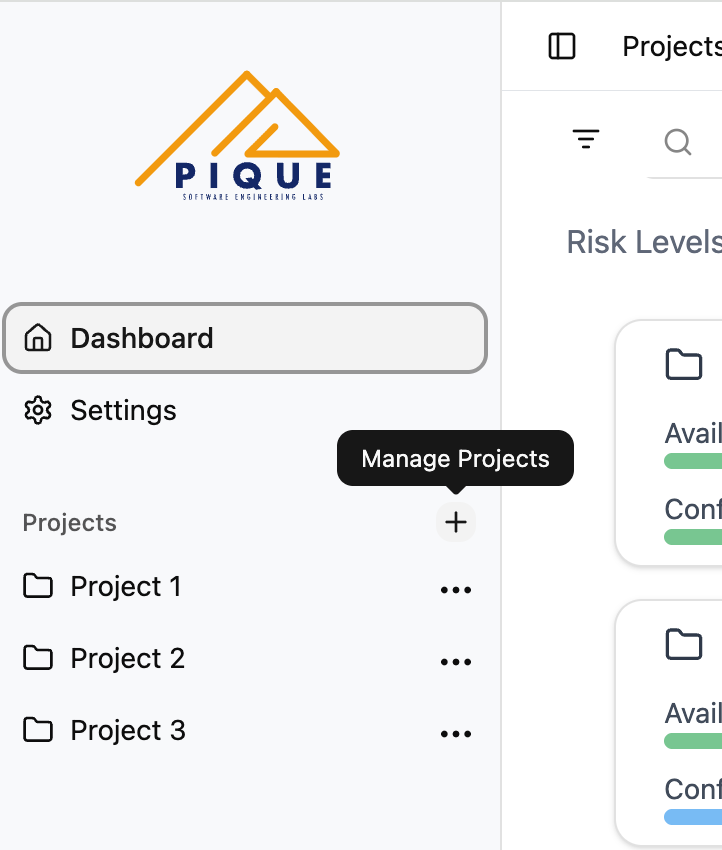
Project management controls are located in the Projects section on the left sidebar.
- Click the + button to add a new project.
- Click the … (kebab menu) next to an existing project to delete it.
These controls allow you to organize and maintain multiple uploaded PIQUE output files.